

General
Rapid Low-Code Application Development with Streamlit
Streamlit is a Python library that we have been working with recently and are evaluating for use in our products.
Its low-code nature and ability to enable very fast prototyping are what initially attracted our attention. The Streamlit library can be installed via pip or conda.
After that, you can start building clean and functional user interfaces with very simple code snippets written in a Python file.
To run the code, the following command is sufficient:
I obtained the sample dataset from the following link:
https://www.kaggle.com/datasets/kumruorkun/housing-market-ankara?resource=download
An image of the output produced by the simple code above is shown below.
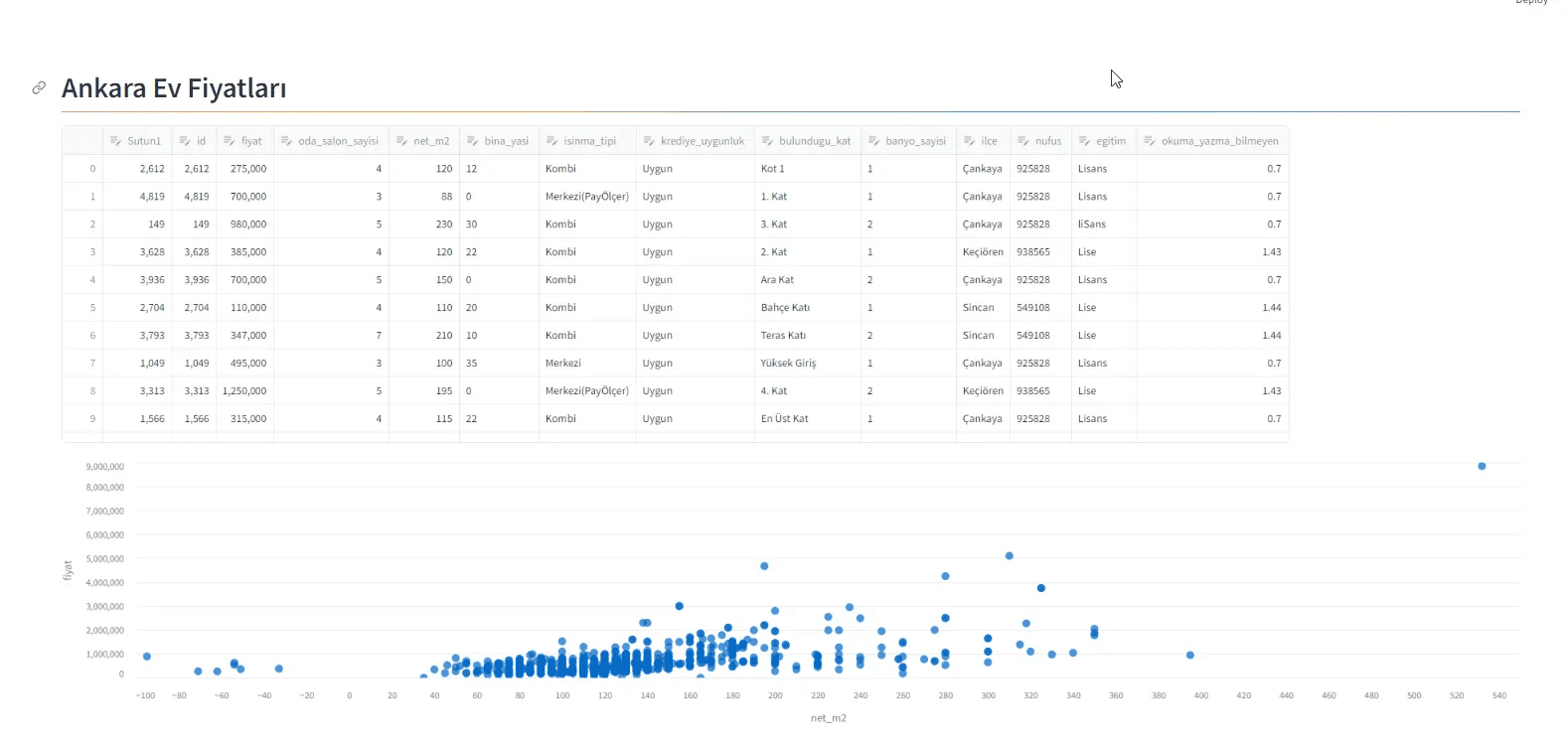
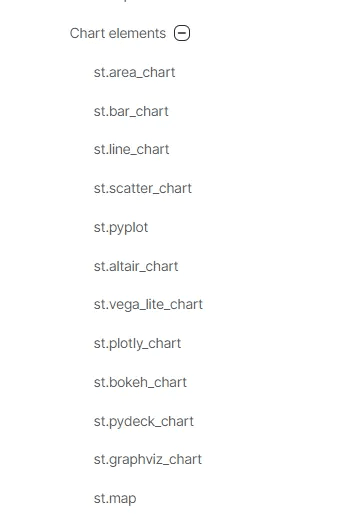
Overall, it is a very successful library in terms of rapid prototyping and visualization. It includes a large number of built-in components and supports multiple charting libraries. Working with DataFrames is very straightforward, caching is available, and editable data tables allow in-place editing.
Page layouts are highly flexible and well-suited to fluid design concepts. It is not only useful for data visualization but also very practical for designing forms.
In general, my impression of the library is very positive. I am planning another post to demonstrate its usage together with PyCaret.